Want an imposter game for kids, or a quick round for the classroom? Open Imposterwords, pick the Easy for Kids or School word pack, and tap Start Game (Pass & Play). One phone or Chromebook is enough. Free, no app, no student accounts.
The usual imposter game assumes everyone can bluff, read quickly, and sit through a long debate. That falls apart with a mixed-age family, or a class of twenty-five that has ten minutes before the bell.
This version stays the same game — most players share a secret word, one player gets a close cousin of that word, then everyone gives a clue and votes — but the words stay concrete, the groups stay small, and a grown-up can run the device. Below is how to set it up at home and in class, which packs to use, and what to do if someone is still learning to read.
Table of Contents
- What is the imposter game for kids?
- Is the imposter game safe for kids?
- Best word packs for kids and classrooms
- What about "imposter game for kids with pictures"?
- How to play at home with one device
- How to play the imposter game in a classroom
- FAQ
- Start a kids or classroom round
What is the imposter game for kids?
Short answer: It's the same word impostor game, played with short, everyday word pairs that children can picture and describe.
Most players are civilians and share one word, such as Ball. One player is the impostor and gets a related word, such as Balloon. Each person gives a short clue — not the word itself — then the group votes for whoever sounded off. The phone or laptop only deals the secret words so nobody has to whisper from a scrap of paper.
On Imposterwords you can also add Mr. White, a player who gets no word at all. Leave that off for younger groups. A blank card is frustrating when you are still learning how clues work.
If a child can read a short word (or have it read to them) and say one thing about it, they can play. There is no official age rating on the game; the word pack and a grown-up on the device matter more than a number.
Is the imposter game safe for kids?
Short answer: The game itself is a word-bluffing activity with no chat and no login. Pick a kid-friendly pack, and skip the grown-up ones.
Imposterwords runs in a normal browser. Nobody creates an account, and players are not dropped into a public chat. The "impostor" is just the person with a different word, not a violent role.
Pack choice is the part that matters:
- Use: Easy for Kids, Easy (Beginner), Animals, and School. Nature, Food & Drink, and Christmas & Holidays also stay in everyday territory.
- Skip with children and in class: Adults Party (Grown-up Life). The pack is about rent, dating apps and taxes, not explicit content, but it is still a poor fit.
- Preview first: Funny & Weird includes bathroom jokes and a few grown-up punchlines. Movies & TV, Brands, and Pop Culture & Internet depend on what your group actually knows — and on what you are happy for them to discuss.
The word list is public, so a parent or teacher can skim a pack before the first round.
Best word packs for kids and classrooms
Short answer: Start with Easy for Kids at home, and School or Easy for Kids in class. There are 22 packs and 1,066 word pairs on Imposterwords; you only need one of the easy ones to get going.
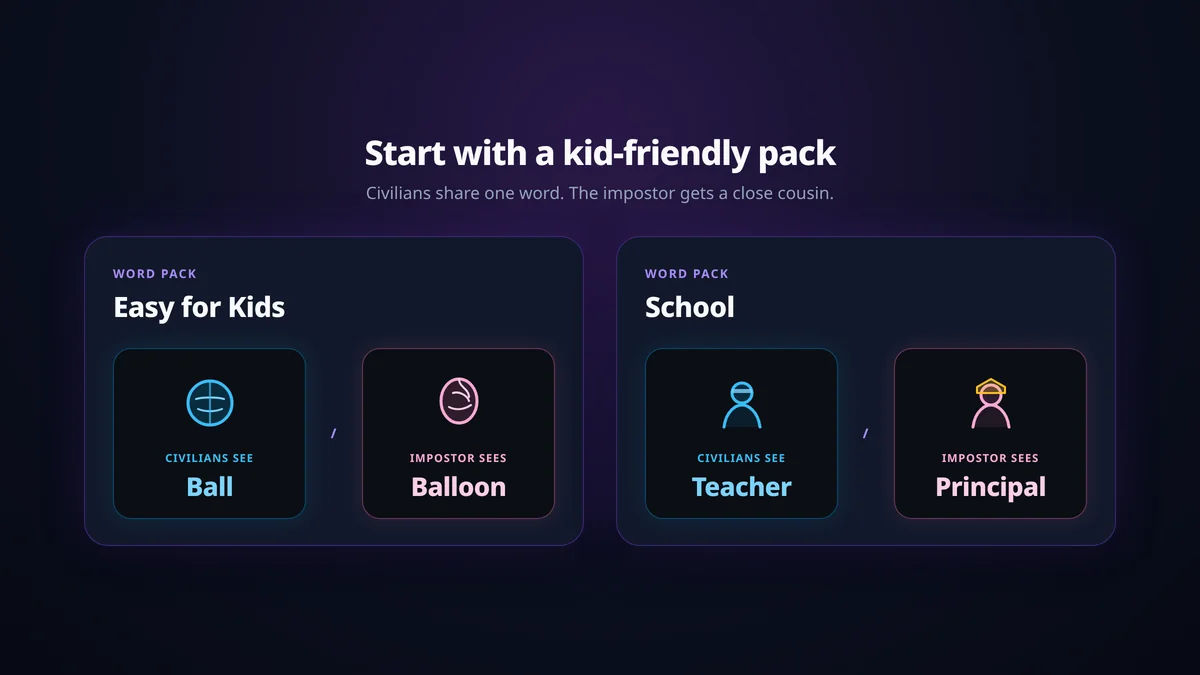
These pairs are from the live packs on /words:
| Pack | Pair the civilians see / the impostor sees |
|---|---|
| Easy for Kids (46 pairs) | Ball / Balloon, Teddy Bear / Doll, Slide / Swing, Puppy / Kitten, Dinosaur / Dragon, Backpack / Lunchbox, Crayon / Chalk, Play-Doh / Slime |
| Easy (Beginner) (50 pairs) | Shoe / Boot, Mom / Dad, Cake / Cupcake, Bee / Butterfly, Breakfast / Lunch |
| Animals (50 pairs) | Dog / Wolf, Cat / Lion, Duck / Goose, Mouse / Rat |
| School (48 pairs) | Teacher / Principal, Homework / Chores, Test / Quiz, Recess / Lunch Break, Whiteboard / Chalkboard, School Bus / Carpool, Spelling Bee / Science Fair |
A good kids pair is something a child can point to in the room or in a picture book. If half the group would need the word explained, switch packs. School works well once students can tell test from quiz; for younger tables, stay on Easy for Kids or Animals.
You can browse every category on /words, or use the word generator if you only need a single pair on paper.
What about "imposter game for kids with pictures"?
Short answer: Imposterwords does not have a picture-card mode. Use packs of concrete, easy-to-picture words, and have a grown-up read the card aloud to anyone who is still learning to read.
Some other sites show an illustration next to every word so pre-readers can play without text. That feature is not in this game. What you can do instead:
- Pick Easy for Kids or Animals, where every pair is a thing a child can already see in their head.
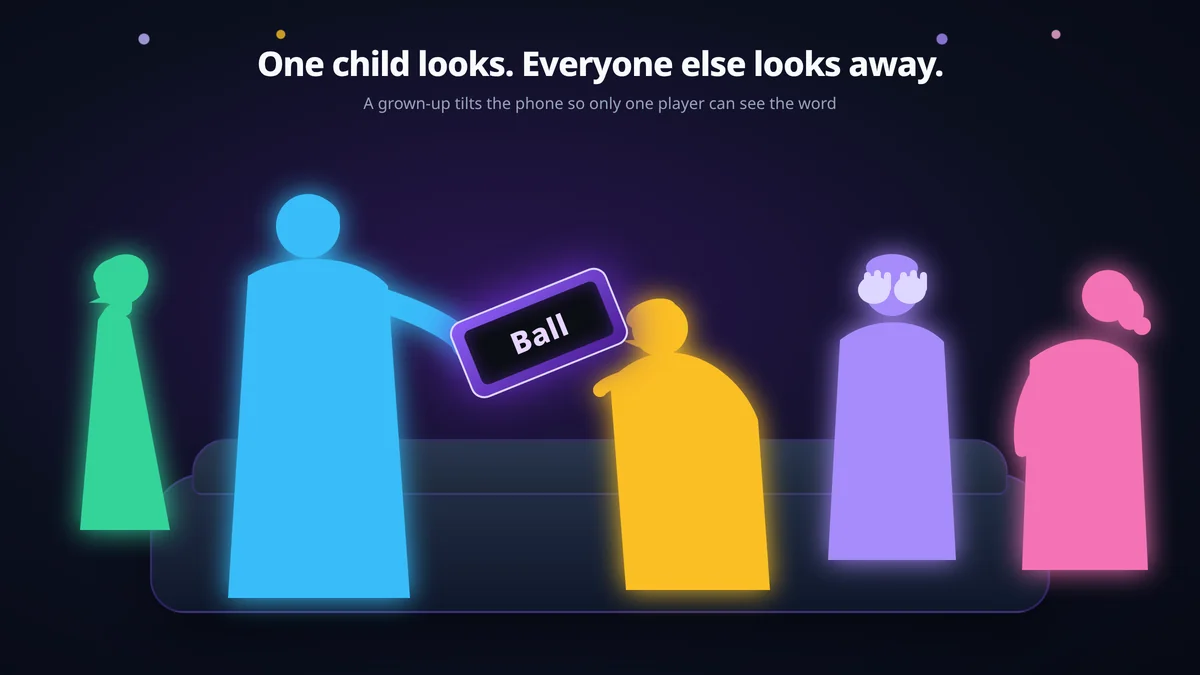
- When the phone says Tap to Reveal, a grown-up looks first and whispers the word to that child, then taps Pass to Next Player before handing the device on.
- Let younger players give a sound or a gesture as their clue ("it barks," or pretending to throw a ball). The rules don't require a single polished word.
If a child cannot yet hold a word in their head after hearing it once, wait on this game and try something like I Spy until they can.
How to play at home with one device
Short answer: On the home page, set 3 to 10 players, pick Easy for Kids, leave Mr. White off, and tap Start Game (Pass & Play). Pass the phone so each person sees only their own word.
Setup on Imposterwords
Open imposterwords.com. The Game Setup card is on the home page, under the intro.
- Number of Players. Anywhere from 3 to 10. Four to six is a comfortable first family round.
- Word Pack. Easy for Kids, or Easy (Beginner) if you want slightly broader everyday words.
- Enable Mr. White. Leave it off until the group has played a few times, and until you have six or more people. The card says it is best for 6+ players.
- Impostor Awareness. This is a host choice. When it is on, the impostor's card says YOU ARE THE IMPOSTOR above their word, which helps a child who would otherwise freeze. When it is off, they only see a word, and nobody is asked to "lie" on purpose — they just notice, or don't, that their word is the odd one out.
- Tap Start Game (Pass & Play) and follow the screens: Tap to Reveal, memorize the word, then Pass to Next Player. The last player taps Start Game to begin the clues.
The one-phone flow, including how to pass without spoilers, is in the pass-and-play guide.
House rules that help younger players
- One grown-up is the phone keeper. They hand the device over, watch that the card is hidden before it moves, and tap the vote the table agreed on.
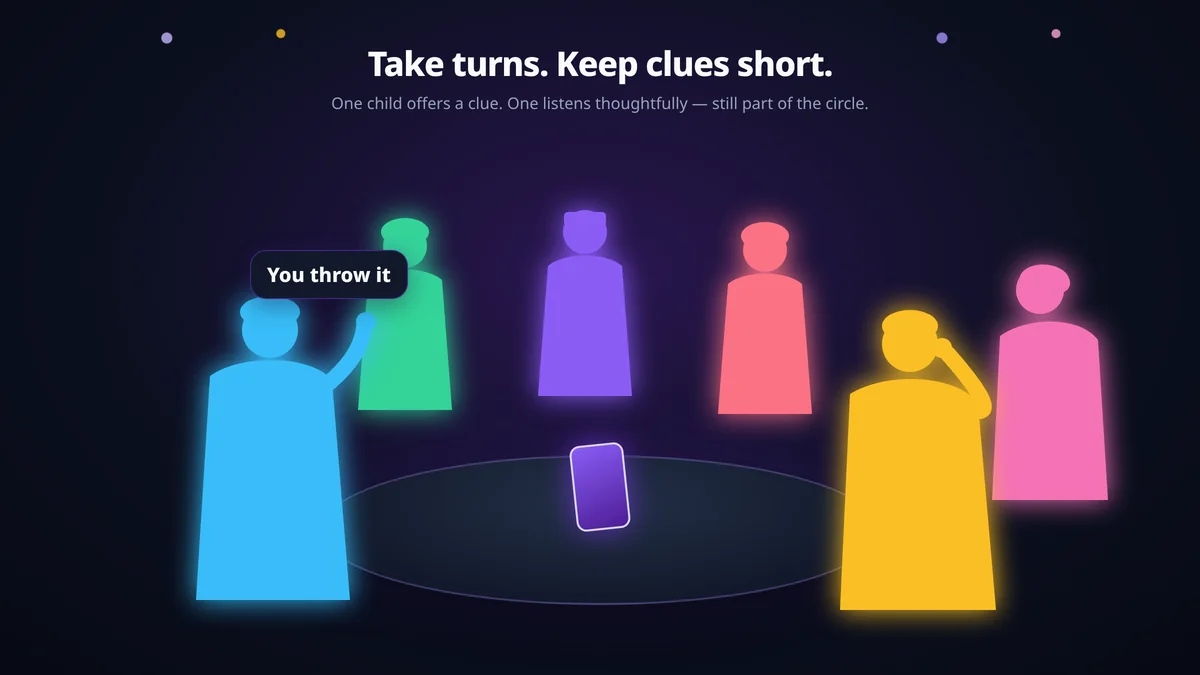
- Clues can be a short phrase. "You throw it" is fine. Save one-word-only clues for groups that have played before.
- No sitting out in disgrace. After a vote, the phone shows the eliminated player's role and word. Start the next round soon, and let the last impostor go first next time if you want to keep the mood light.
- Swap the pack if a word lands badly. Play Again deals another pair from the same pack. If the table has outgrown Easy for Kids, go back to Main Menu and try Animals or School.
How to play the imposter game in a classroom
Short answer: Don't run a whole class of 25 as one game. Split into groups of 5–8 with one device each, or make online rooms of up to 10 if every student has a Chromebook.
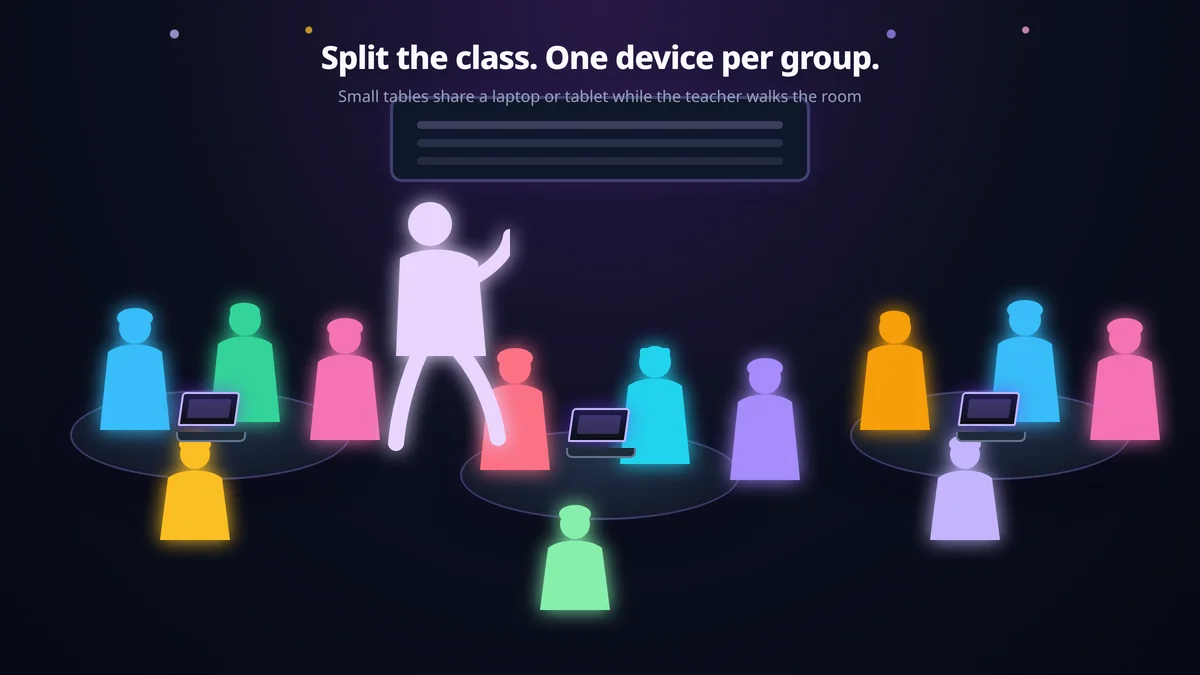
A full class on one phone is slow, and Imposterwords caps a single game at 10 players. Two setups work.
Split into groups of 5–8 (one device each)
This is the low-prep option: a class tablet, a teacher's phone, or one student device per table.
- Explain the rules with one demo round at the front of the room. The how to play page is enough of a script.
- Give each group a device, open Imposterwords, pick School or Easy for Kids, and start pass-and-play.
- Keep clues short so every student speaks. After two or three rounds, ask each table for one clue that worked and one that gave the word away.
The School pack is a good warm-up or vocabulary icebreaker — Teacher / Principal, Test / Quiz, Microscope / Telescope all force students to name the difference, not just the category. For younger grades, stay on Easy for Kids.
Chromebooks and online rooms
If students each have a Chromebook or laptop, the host can create a room, enter a nickname, pick a pack, and set the player count. That selector offers 4 to 10 players. Share the room code from the lobby. Students open the site, tap Join Room, and enter the code plus a nickname — a nickname is not an account. When the host taps Start Game, each student taps Tap to Reveal and sees only their own word.
A class larger than 10 needs more than one room. Two rooms of eight, or three rooms of six, are easier to watch than one packed game.
The site is a normal web page: no app to install, and players do not create an account. The homepage FAQ on playing at school or work says it runs in any normal browser on a Chromebook, laptop or phone, and whether it is reachable depends on your network's filters. There is nothing to install that an admin would need to approve. If a filter blocks the site, use one approved teacher device in pass-and-play instead of promising a workaround.
FAQ
What is the imposter game for kids?
It is the word impostor game played with short, everyday word pairs that children can describe, usually on one shared device. Most players share a word; one player gets a close cousin of that word; everyone gives a clue and votes.
Is the imposter game safe for kids?
The game has no login and no player chat; safety depends on the word pack you choose. Use Easy for Kids, Easy (Beginner), Animals or School, and skip Adults Party (Grown-up Life).
What age can kids play the imposter game?
There is no official age rating. If a child can read a short word — or have it read to them — and offer one clue, they can play, with a grown-up running the phone if needed.
What are good imposter game words for kids?
Concrete pairs they can already picture, such as Ball / Balloon, Slide / Swing, Puppy / Kitten, or Dog / Wolf. Those come from the Easy for Kids and Animals packs. For class, try School pairs like Teacher / Principal or Recess / Lunch Break.
Can you play the imposter game with pictures?
Not on Imposterwords — there is no picture-card mode. Pick easy-to-picture words and have a grown-up read the card aloud to anyone who is still learning to read.
How do you play the imposter game in a classroom?
Split the class into groups of 5–8 with one device per group, or run online rooms of up to 10 students on Chromebooks. Start with a short demo round, use the School or Easy for Kids pack, and keep clues brief so everyone speaks.
Does it work on a school Chromebook?
It runs in a normal browser on a Chromebook, laptop or phone, with nothing to install. Whether the site loads still depends on your network's filters.
Do students need an account or an app?
No. They open the site in a browser and play. Pass-and-play needs one device; online rooms need a room code and a nickname, not an account.
Which word pack should teachers use?
School for classroom vocabulary, Easy for Kids for younger students. Skim the list on /words before you start, and skip Adults Party.
How many kids can play at once?
Pass-and-play is 3 to 10 players. When you create an online room, the player-count selector offers 4 to 10. For a full class, run several small groups or several online rooms.
Start a kids or classroom round
You need a device, a small group, and a pack of words they already know.
- Open Imposterwords.
- Set Number of Players (3–10) and pick Easy for Kids or School.
- Tap Start Game (Pass & Play), or create a room if everyone has their own screen.
For the full rule set, see How to Play. Then let them try to find the impostor.